Add your first job
Copy a job description you are already looking at, paste it in, and let deterministic code do the filing. Zero tokens, works offline.
Steps
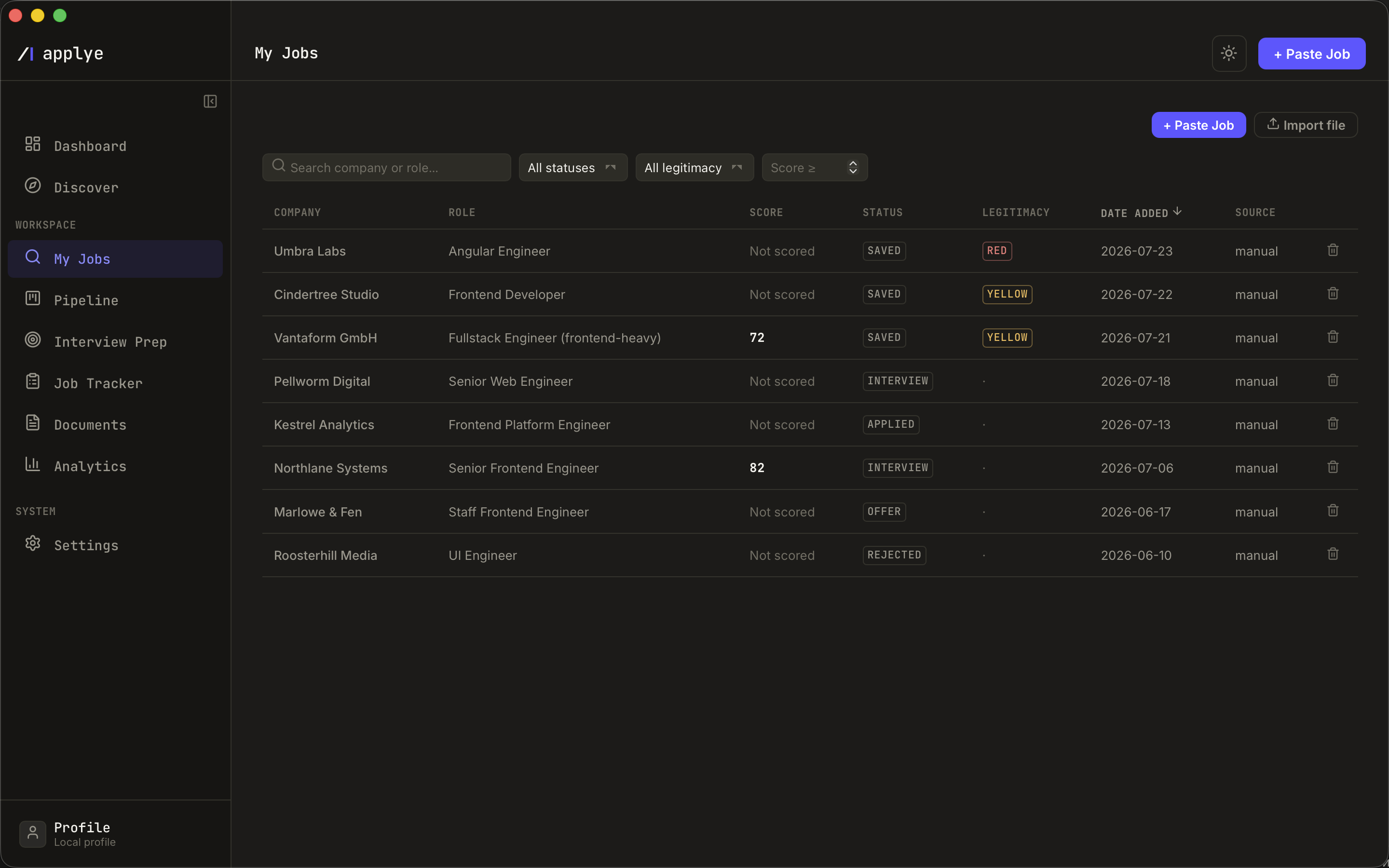
- Open My Jobs and click Paste job (also on the Dashboard).
- Paste the job description text, or a job URL.
- Code extracts company, title, salary, language, and location - no AI involved. Salary detection understands plain formats like "80k EUR" too.
- The legitimacy check assigns a green / yellow / red tier from ghost-job and scam signals (vague company, no salary mention, urgency language, and similar), with notes on what it saw.
- The job lands in the My Jobs table; click the row to open its detail page.
Duplicate pastes are recognized by content hash and never create a second row. Next: score the role.