Documents: your CV and cover-letter library
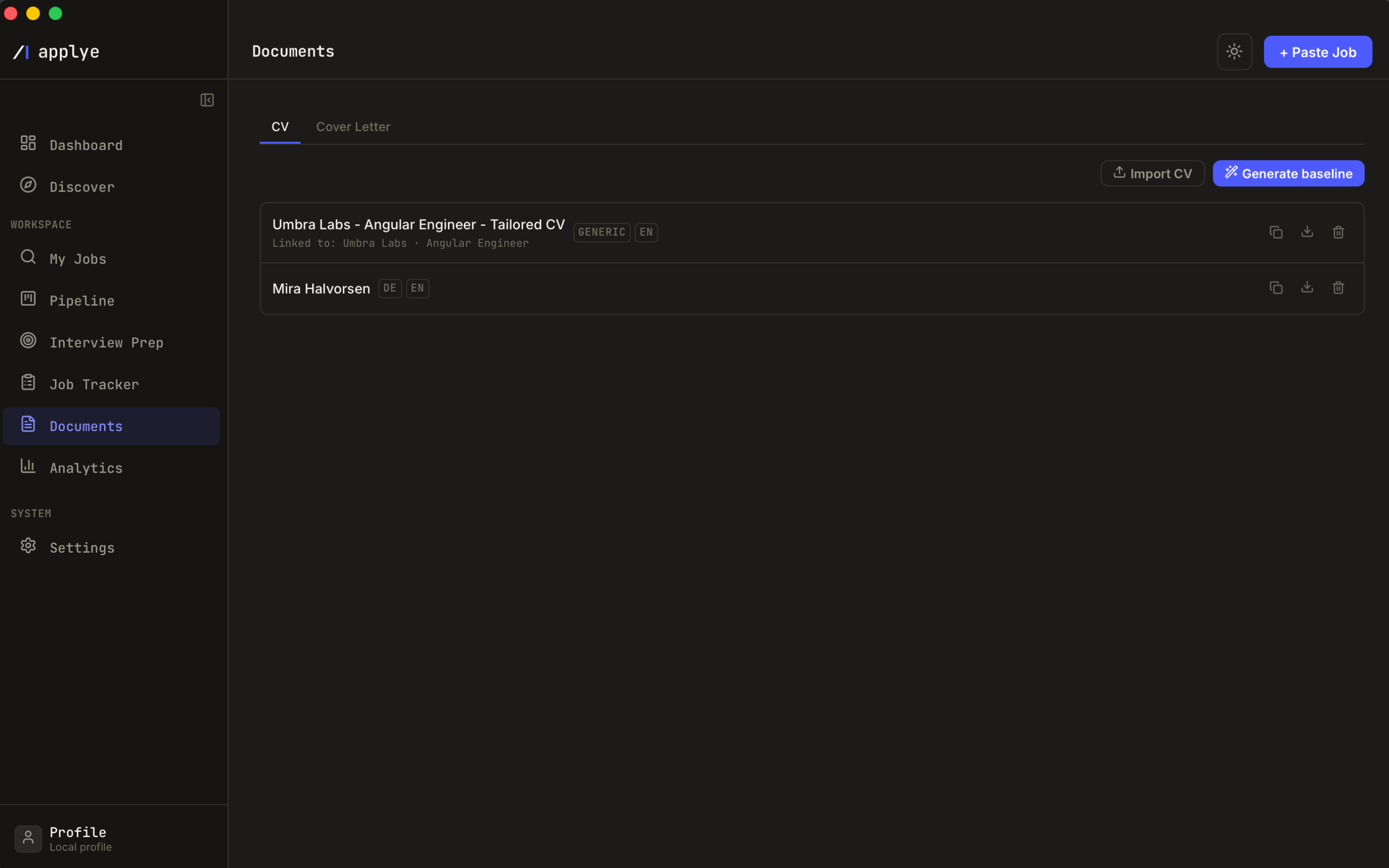
Every CV and cover letter Applye touches lives here, in two tabs. This is a real editor, not an export folder: you can build a CV from scratch, import your existing one, restyle it section by section, and export a PDF that matches the preview exactly.
Getting a CV into the library
- Import CV - pick a DOCX or PDF. It is read locally, then a single AI call detects the sections. You get a summary of what was found (experience entries, education, skills) plus a "double-check these" list of anything it was unsure about, before it is saved.
- Generate baseline - build a CV from your profile for a given market and role archetype. No job description needed.
- Tailored CVs - produced by the apply wizard and filed here automatically, labelled by company and role.
- Duplicate - fork any CV before an experiment you might regret.
One CV carries the Default badge: that is the one used as the base when nothing else is specified. Drafts stay invisible until you export or mark the application as applied, so the library never fills up with half-finished attempts.
The CV editor
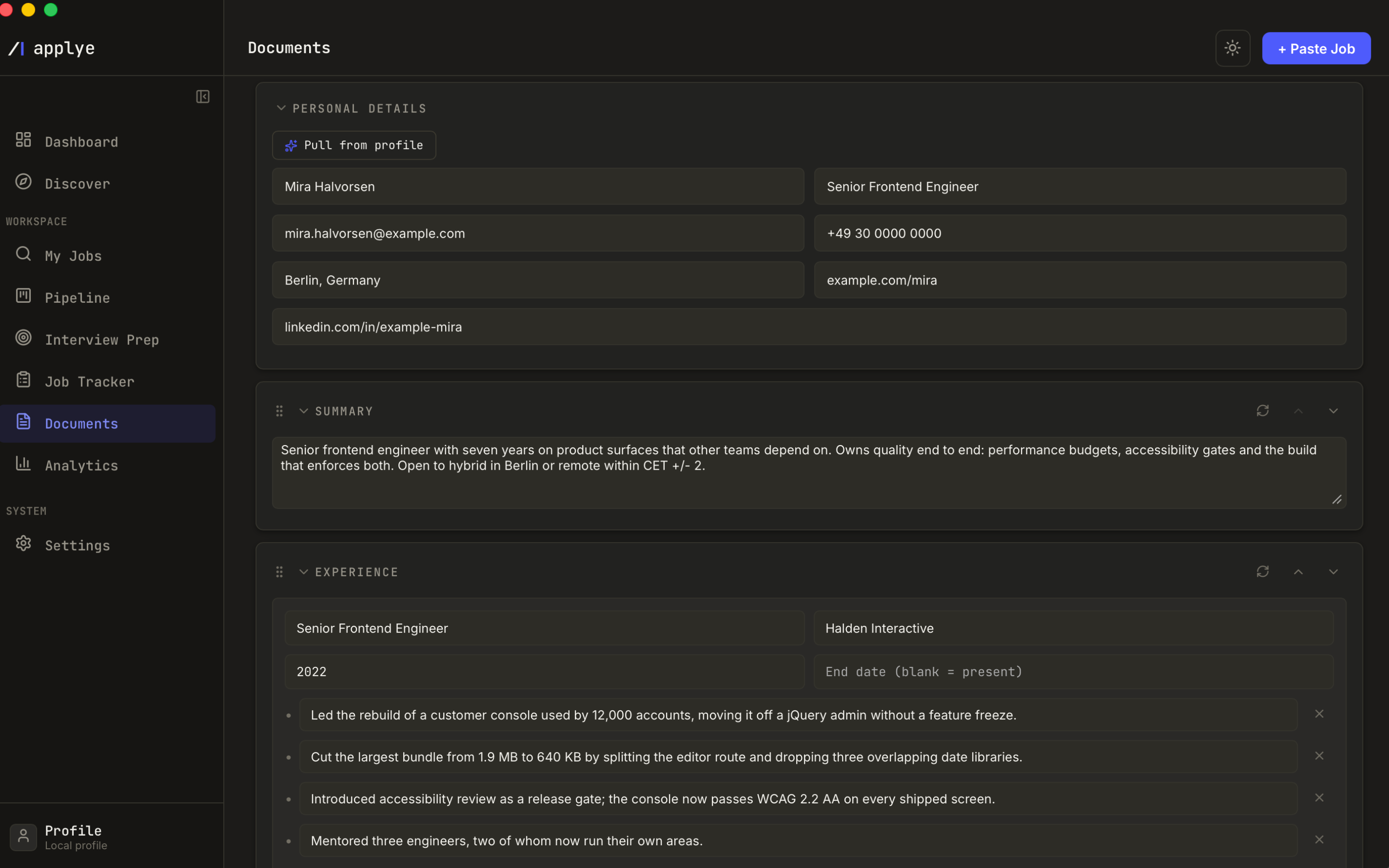
A CV is a stack of sections you control individually:
- Sections - photo, personal details, summary, experience, education, skills, languages. Drag to reorder, or move a section up and down from its menu.
- Per-section style - each section can inherit the common style or override it, with a one-click reset back to common. This is how you get a dense skills block under an airy summary without fighting a template.
- Templates - start from a template, or save your current arrangement as your own named template for the next role.
- Photo - optional, with upload, crop, zoom, and left / centre / right placement. The editor warns you plainly: a photo is standard on German CVs, but ATS parsers in other markets can reject or misread it.
- Font warnings - pick a font an ATS may not read reliably and the editor says so, and names the safe alternatives.
Cover letters
The Cover Letter tab holds letters as structured fields rather than a blob of text: recipient, company, street, postal code, city, country, date, subject, greeting, numbered body paragraphs, closing, and signature. That is what makes a German Anschreiben come out with the right shape.
- Draft with AI writes the body from the job and your profile; regenerate any time, or edit a single paragraph by hand.
- A live word count keeps you honest about length.
- Letters generated by the apply wizard are linked to their application, so the job page can open the exact letter you sent.
Exporting
Export is PDF, and only PDF: the page you see in the preview is the page that gets written, down to the millimetre margins. One rendering engine means there is no second format that quietly disagrees with the preview about where a page breaks or how a photo sits.
It goes through the native save dialog, so the file lands where you chose and nowhere else. Deleting a document removes it from the library and cannot be undone - there is no server copy to recover.