Settings: AI, language, data
Everything configurable lives here, including the only switch that ever lets data leave your machine: your own AI connection.
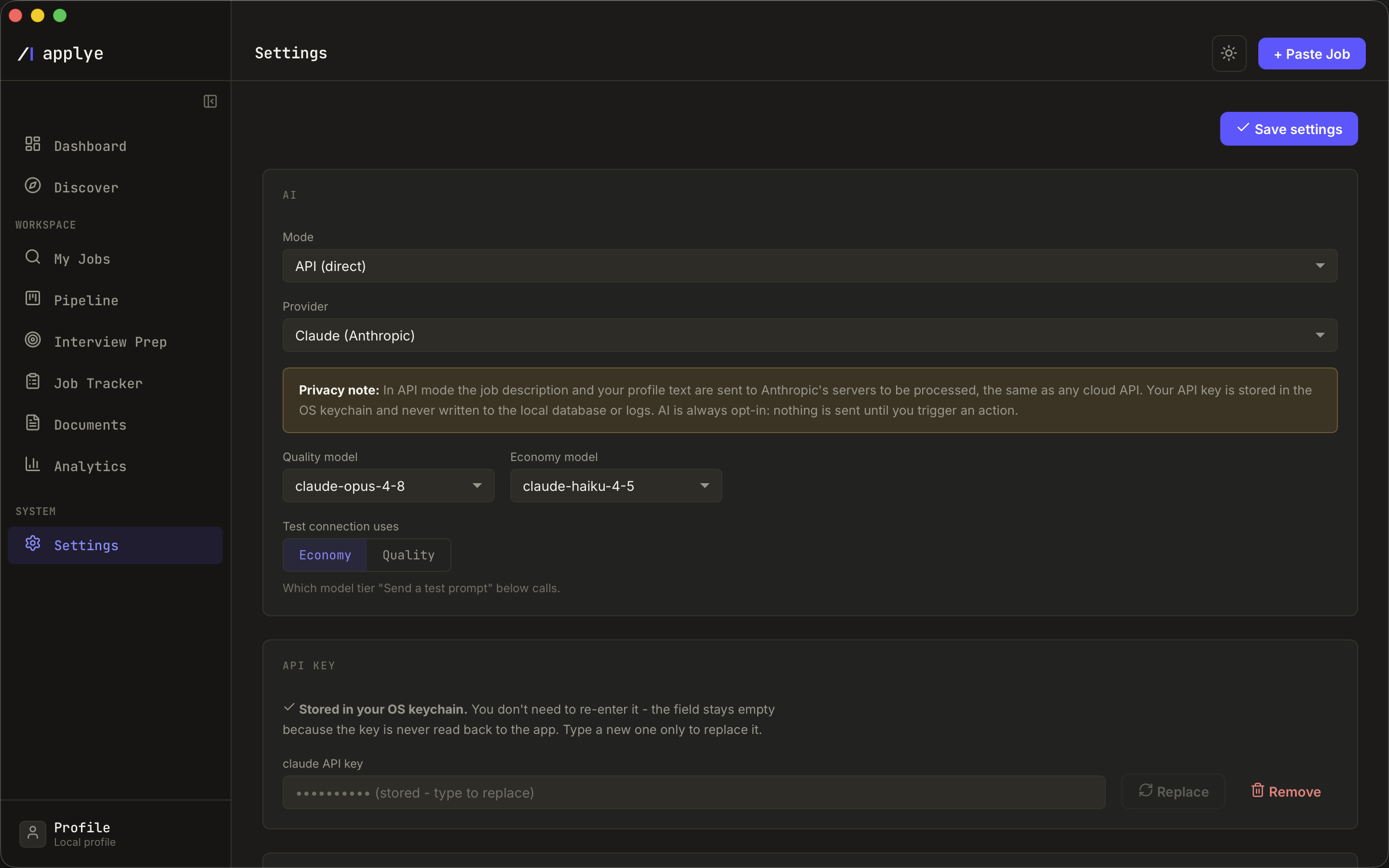
Connect your AI (optional)
- API mode - paste your own key for Anthropic Claude or DeepSeek. Keys are stored in the OS keychain, never in the database or logs.
- CLI mode - bridge a coding CLI you already subscribe to, Claude Code or Codex, instead of paying per token. This is how OpenAI models are reached: through Codex, not through an API key.
- A privacy note under every cloud provider states plainly what an API call sends (the job text and relevant profile fields) - see scoring for when calls happen.
The rest
- Language - UI and default document language, each shown in its own name: English, Deutsch, Русский, Español, Français, Українська.
- Appearance - dark (the default) or light, also toggleable from the top bar.
- Job search - the geographic scope Discover filters by (worldwide / Europe / USA / Asia).
- Delete all data - the factory reset. A two-step confirm wipes the local database and removes keys from the keychain. Deleting your data is deleting a file; there is no server copy to chase.